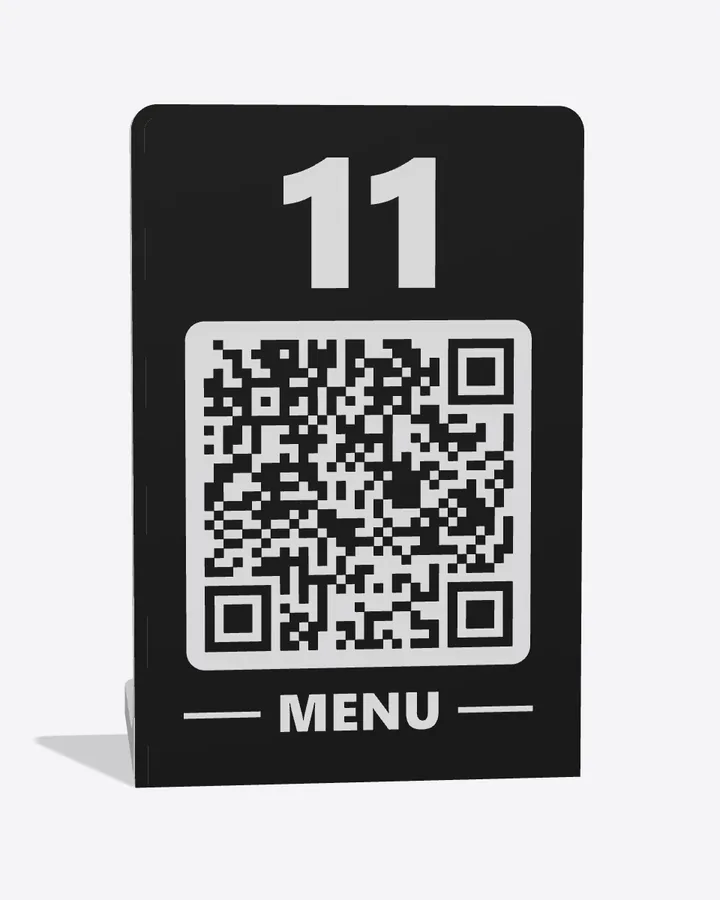
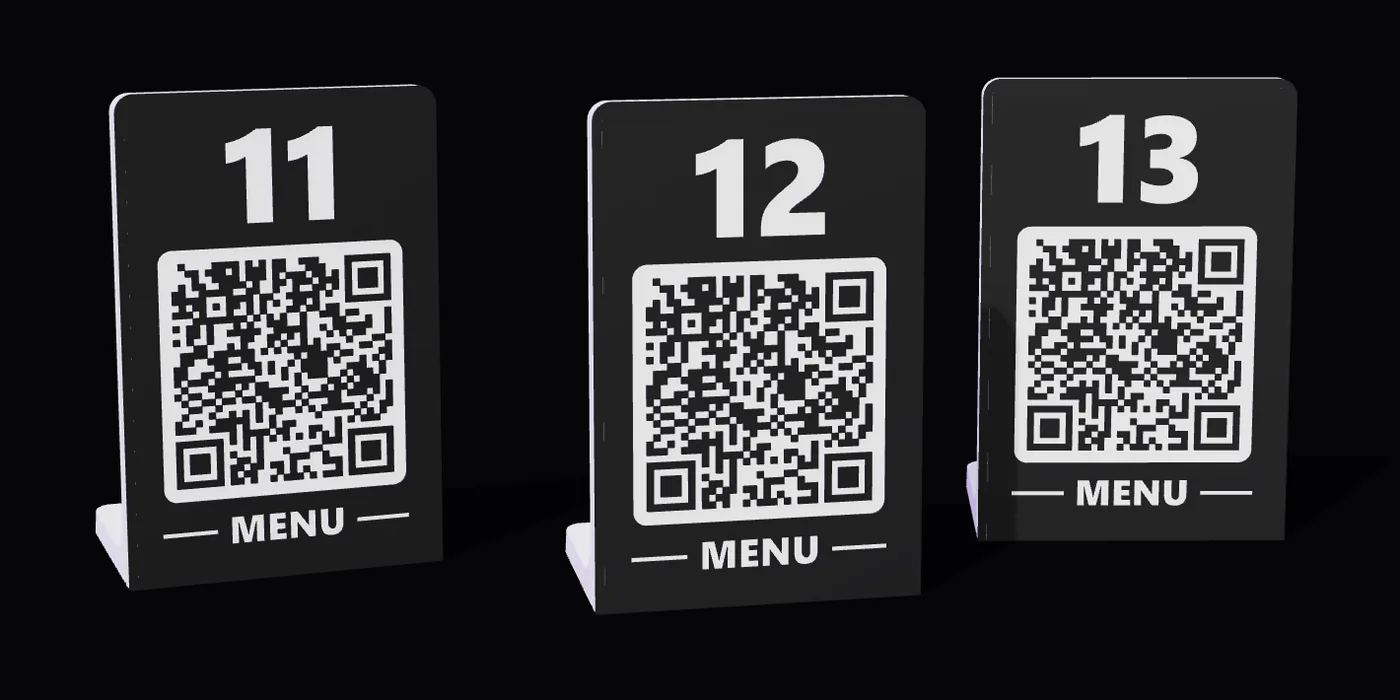
The table number and the menu QR in a single piece, 3D printed in two colors: the code is part of the print, not a sticker. Choose the text, the colors and your restaurant's logo. We make them for restaurants that use Tap2Order and for those that don't.
📱 Scan the QR with your phone, or tap the photo: you take a seat at a table in our demo restaurant.
What is a QR code table stand
It's the card that sits on the table: it tells guests where they're sitting and opens the menu on their phone. A QR code table stand brings the two together, the table number and the code to scan, so guests don't hunt for a sticker on the edge of the table and the staff always know where the dishes go.
Ours are 3D printed: the QR, the number and the lettering come out of the printer together with the piece, in two colors. No paper that bends, no sticker that peels off.
How they're made
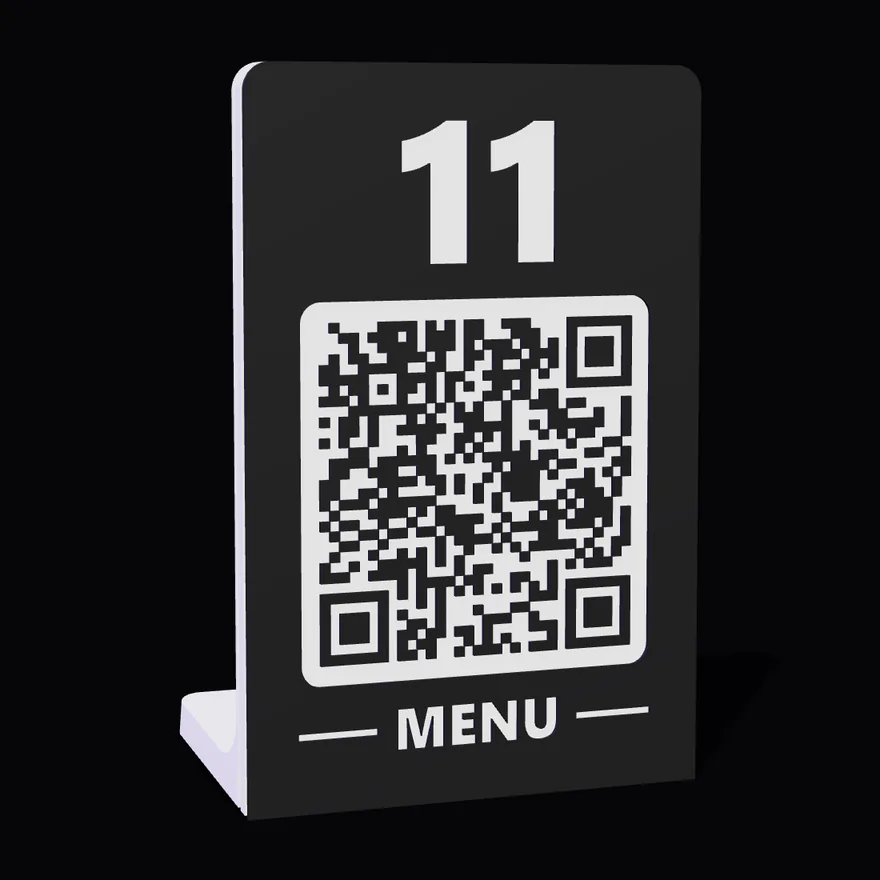
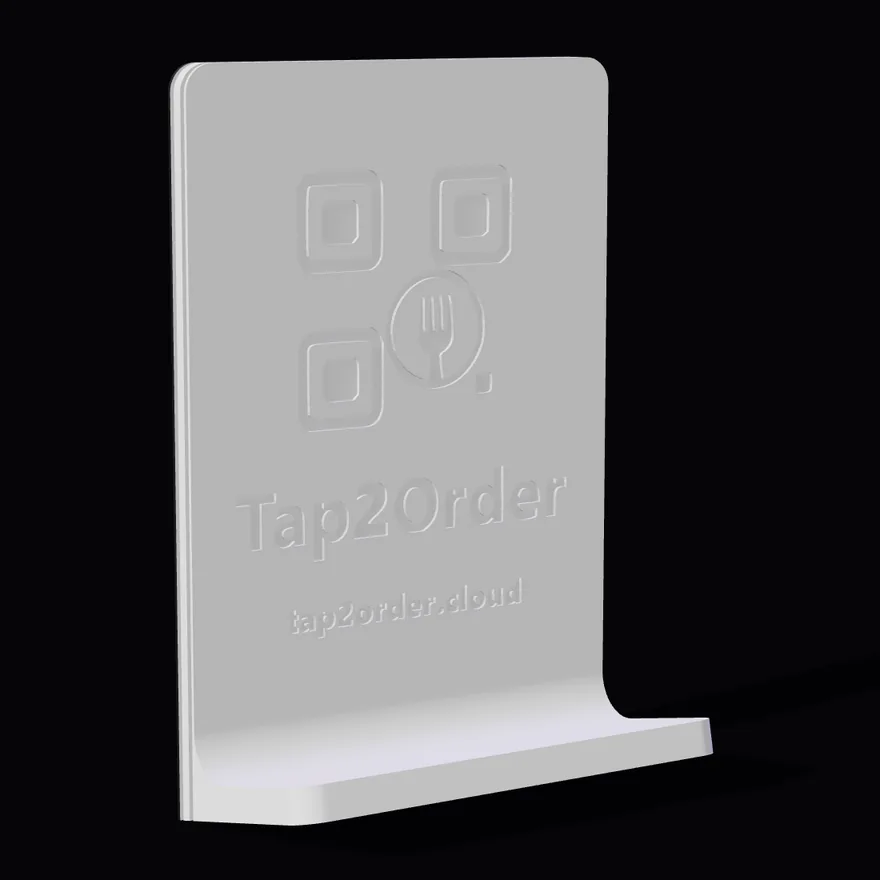
Front: the number, the QR and the word MENU, printed in two colors.Back: the logo in relief and the leg that keeps it standing.
7 × 10.5 cmthe face, with the number, the QR and the lettering
almost 5 cmthe side of the QR, on a light background
3.4 cmthe leg: it stands up on its own
2 colorsprinted together, in the same piece
Made to order for your restaurant
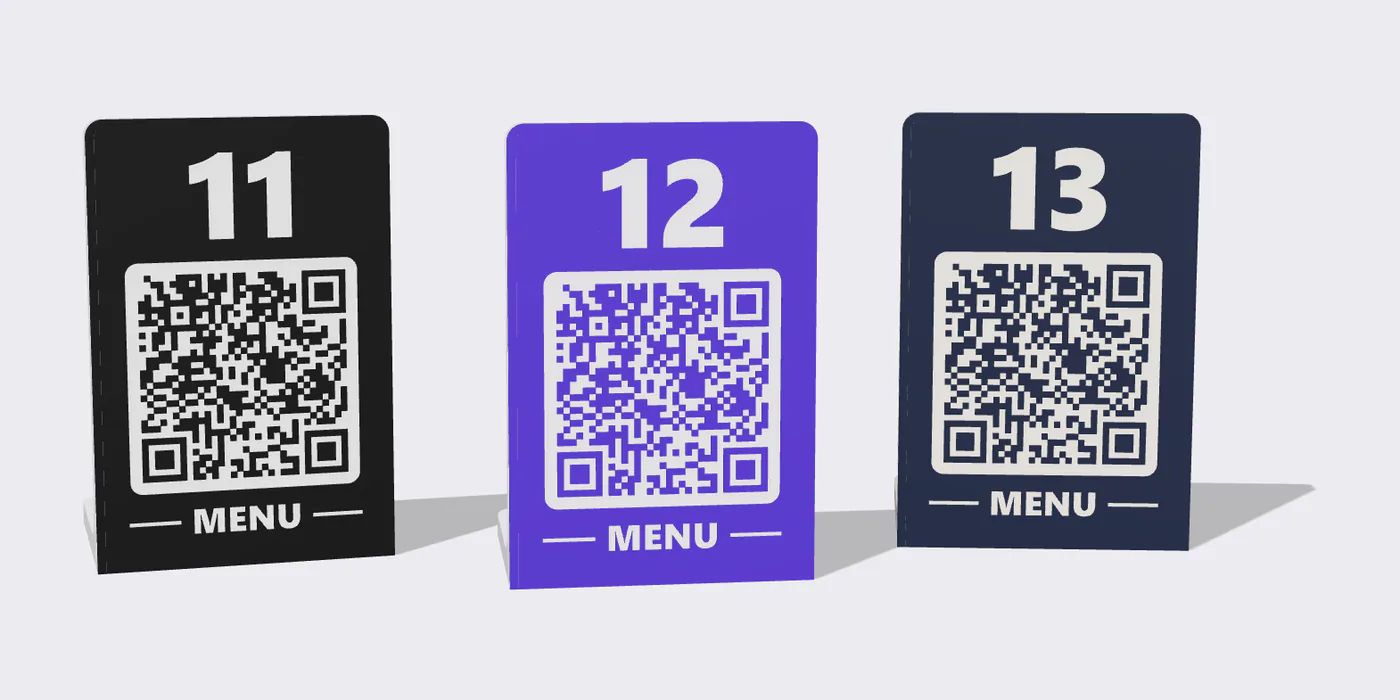
The same table stand in three colors: the QR stays on a light background.
🔢 The table number
One per table, numbered the way your dining room already is. If you use Tap2Order, each one with its own table's QR.
✏️ The text on top
The number, the restaurant's name or a word of your own.
🎨 The colors
Two colors, chosen with you. The QR stays on a light background, so phones read it easily.
🏷️ Your logo
Your brand on the table stand, instead of ours.
Even if you don't use Tap2Order
The QR can open any address: your digital menu, a PDF, the restaurant's website. Send us the address and the table numbers, and we prepare the files and the print.
A printed QR always points to the same address: pick one that stays, because if it changes the stand has to be reprinted.
If you use Tap2Order
Each table with its own number and its own QR.
In the panel, under Management › Rooms & Tables Config., you download the QR codes of all your tables in a ZIP and send it to us: each stand comes out with its number and its table's QR. Guests scan it and land on that table's menu, and the order reaches the kitchen with the right number.
They're meant for rooms with a fixed QR, where the table code doesn't change: you print it once and it stays. In rooms managed by the waiter the QR changes every service, and it's printed on paper when the table is opened.
Table stands are priced on request: the price depends on how many you need and how customized they are. Lead time also depends on the quantity, and we tell you with the quote. Tell us how many tables you have, what text and colors you'd like, and send us your logo if you want it on them.
Ask for a quote for your table stands
Tell us how many tables you have and how you'd like them: we'll reply with the price and the lead time.
It's the card that sits on the table with the table number and the QR that opens the menu on the guest's phone. Ours are 3D printed in two colors, in a single piece, and stand up on their own: the QR is part of the print, not a sticker.
Yes. The QR can open any address: your digital menu, a PDF, the restaurant's website. Send us the address and the table numbers, and we prepare the files and the print.
The table number, the text on top, the colors and the restaurant's logo. The QR stays on a light background, so phones read it easily.
They're priced on request: the price depends on how many you need and how customized they are. Tell us how many tables you have and how you'd like them.
It depends on how many you need: we tell you the lead time together with the quote.
Yes. Scan it with your phone, or go to tap2order.cloud/tavolo: it opens the menu of our demo restaurant, at a table that's yours for two hours. You can pick dishes and send the order like a guest, and nothing is charged.
A printed QR always points to the same address: if the address changes, the stand has to be reprinted. That's why it's worth choosing an address that stays. With Tap2Order, in rooms with a fixed QR the table code doesn't change.